Expert Tips USB-C Accessories: Must-Have Advice for Effortless Use
USB-C has rapidly become the universal standard for charging and connectivity across countless devices—from smartphones and tablets to laptops and gaming consoles. However, with the growing variety of USB-C accessories flooding the market, navigating which ones to choose and how to use them effectively can be overwhelming. If you want to make the most of your USB-C gadgets and streamline your daily tech setup, these expert tips USB-C accessories will guide you to smart selections and effortless use.
Understanding USB-C: Why the Buzz?
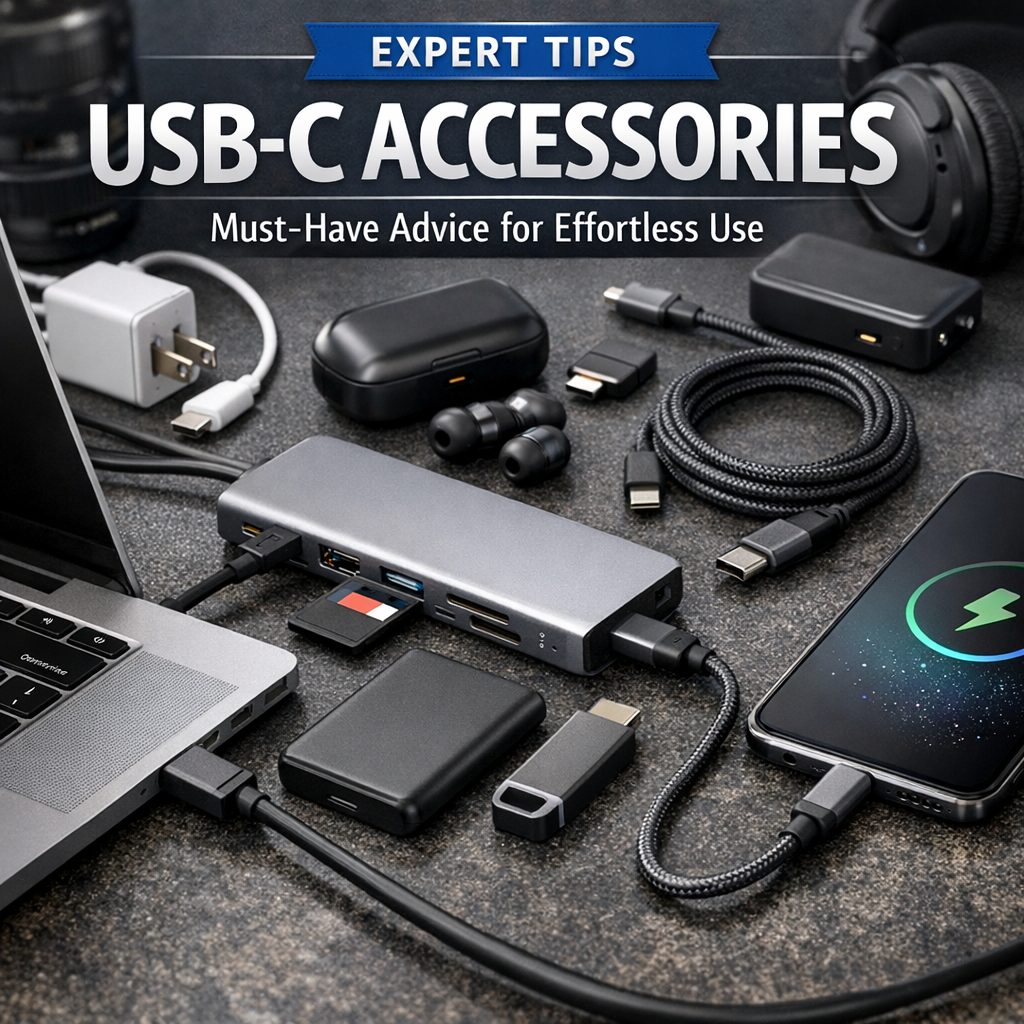
Before diving into specific accessory recommendations, it’s crucial to understand why USB-C matters. USB-C is a versatile, reversible connector that supports faster data transfer speeds, higher power delivery, and the ability to transmit video signals. This means one USB-C port can handle charging your device, connecting to external displays, transferring files, and powering other accessories simultaneously—making it a game-changer in device connectivity.
Expert Tips USB-C Accessories: Choosing the Right Components
1. Prioritize Certified and High-Quality Accessories
When it comes to USB-C accessories, quality really matters. Avoid cheap knockoffs that might not comply with USB-IF standards since subpar cables or chargers can damage your device or operate inefficiently. Always look for products from reputable brands that clearly state certification. For instance, certified USB-C chargers offer proper power delivery (PD) protocols ensuring safe, fast charging that won’t overheat your device.
2. Match the Cable Specifications to Your Use Case
Not all USB-C cables are created equal. Some are designed only for charging, while others support high-speed data transfer or 4K video output. A common mistake is buying a basic cable when you actually need one supporting Thunderbolt 3/4 or USB 3.2 Gen 2 for rapid file transfers or external monitors.
Here’s the simple advice:
– For charging only, a USB-C cable with PD support up to the wattage your device needs will suffice.
– For data transfer and connecting peripherals, look for higher specs (at least USB 3.1 Gen 2 with 10Gbps speeds).
– For 4K or 5K external displays, check for Alternate Mode (Alt Mode) compatible cables.
3. Invest in a Multiport Hub for Versatility
Modern laptops and tablets may rely exclusively on USB-C ports, limiting physical connectivity options. Investing in a multiport hub or dock tailored for USB-C users is an expert recommendation for effortless expansion. These hubs typically provide HDMI or DisplayPort outputs, multiple USB-A and USB-C ports, SD card readers, and Ethernet connections—all powered through a single USB-C port.
Multiport hubs streamline your workspace by reducing clutter and enabling simultaneous connections to monitors, storage devices, and networks without constantly swapping cables.
4. Don’t Overlook USB-C Power Delivery Chargers
A core benefit of USB-C is the ability to fast-charge devices using Power Delivery (PD) technology. However, many users make the mistake of using generic or low-watt chargers that can slow down charging speed or cause device battery degradation over time.
For effortless use, pick chargers that deliver at least 30W for smartphones and tablets and up to 65W or more for ultrabooks or MacBooks. Using a charger with sufficient wattage matching your device’s requirements ensures faster, safe charging sessions without worrying about compatibility issues.
Practical USB-C Accessories Advice for Everyday Use
1. Keep a Variety of Adapters On Hand
Despite USB-C’s rapid adoption, many peripherals still use older USB-A, HDMI, or audio connectors. Carrying a small assortment of adapters—USB-C to USB-A, USB-C to HDMI, or USB-C to 3.5mm audio jack—ensures you can connect any device without hassle wherever you go.
2. Store Cables Properly to Extend Lifespan
Cables can wear out, especially if tightly coiled or bent sharply. To preserve your USB-C cables, avoid tight loops and invest in cable organizers or Velcro straps. Storing cables carefully helps prevent frayed ends or internal wire damage over time, saving you from frequent replacements.
3. Take Advantage of Firmware Updates
Some advanced USB-C accessories, including docks and hubs, offer firmware updates to enhance compatibility and performance. Check the manufacturer’s website periodically to see if updates are available and apply them to keep your gear operating smoothly.
Final Thoughts: Master Your Tech Setup with USB-C Accessories Advice
Knowing these expert tips USB-C accessories tricks can transform your experience from frustrating cable chaos to flowing efficiency. By choosing certified products, understanding cable specifications, and investing in versatile hubs and chargers, you can enjoy seamless device connectivity and charging on the go.
Remember, USB-C is designed to simplify your digital life. Applying these USB-C accessories advice points ensures you stay ahead of evolving tech trends, protect your devices, and build an adaptable, streamlined setup that effortlessly supports both work and play. Whether you’re a tech enthusiast or a casual user, mastering USB-C accessories guarantees your gadgets work smarter—not harder—for you.