What to Know About USB-C Accessories: The Ultimate Must-Have Guide
In today’s tech-driven world, USB-C has rapidly become the standard for charging and connectivity across a vast array of devices. Whether you’re upgrading your laptop, smartphone, tablet, or peripheral gadgets, understanding what to know about USB-C accessories is essential for maximizing performance and compatibility. This guide will walk you through everything you need to consider when diving into the world of USB-C accessories, ensuring you get the most out of this versatile port.
Why USB-C Has Become the New Standard
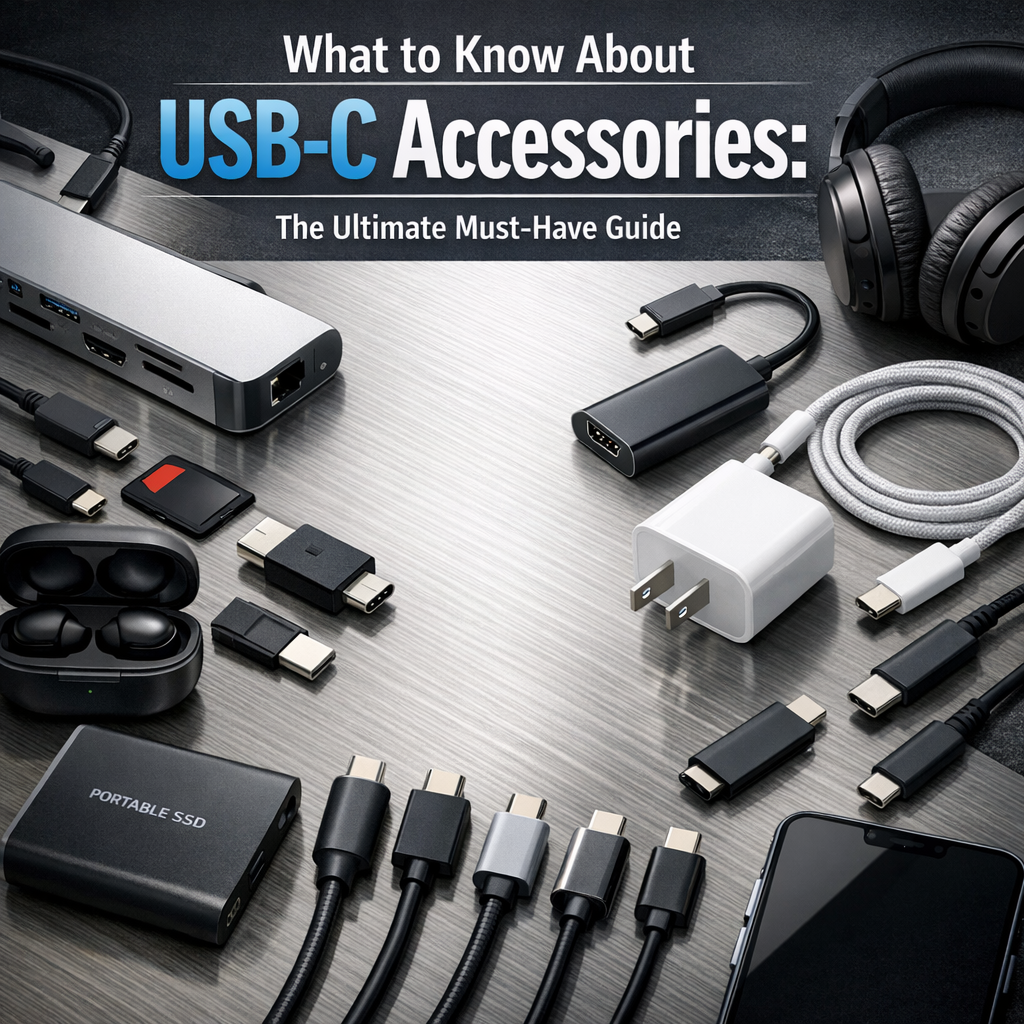
Before exploring the specific accessories, it’s important to understand why USB-C has gained such prominence. USB-C, also known as USB Type-C, offers numerous advantages over its predecessors:
– Reversible Design: Unlike traditional USB ports, USB-C connectors are symmetrical, allowing for easy plug-in regardless of orientation.
– Faster Data Transfer: USB-C supports high-speed data transfers, often up to 10 Gbps with USB 3.1, and even higher with newer protocols.
– Power Delivery: USB-C can deliver significantly more power, supporting fast charging for laptops, phones, and other devices.
– Universal Compatibility: Many manufacturers now adopt USB-C to streamline device connectivity, reducing the need for multiple cables.
Understanding these fundamentals is the baseline when deciding which accessories to invest in.
USB-C Accessories Guide: Essential Types to Have
Navigating the variety of USB-C accessories on the market can be overwhelming. Here’s a breakdown of must-have USB-C gadgets and tools categorized by their functionality.
1. USB-C Charging Cables and Adapters
A high-quality charging cable is at the heart of any USB-C setup. Since not all cables are created equal, consider the following:
– Power Delivery (PD) Support: Ensure the cable supports USB Power Delivery to charge laptops and tablets efficiently.
– Cable Quality and Length: Opt for durable cables with reinforced connectors, and select lengths that suit your needs without clutter.
– Adapters: These convert USB-C to other port types such as USB-A, HDMI, or Ethernet. They are crucial for connecting older peripherals to modern devices.
2. USB-C Docking Stations and Hubs
If you’re working with multiple devices simultaneously, a USB-C hub or docking station can expand connectivity options:
– Ports Offered: Look for hubs with a variety of ports — HDMI, Ethernet, SD card reader, multiple USB-A, and charging pass-through.
– Power Delivery Pass-Through: This feature lets you charge your laptop while using the hub, avoiding extra cables and adapters.
– Portability: Depending on your needs, choose between compact hubs for travel or more robust docks for your workstation.
3. External Storage and Drives
USB-C is perfect for connecting fast external drives, allowing swift data transfers:
– SSD Drives: These offer rapid read/write speeds and come in sleek, portable designs perfect for creatives and professionals.
– USB-C Flash Drives: Compact and handy for quick file transfers, these little accessories often include dual connectors for USB-C and traditional USB-A.
4. Audio and Video Accessories
With USB-C, transmitting audio and video signals is more streamlined:
– USB-C to HDMI or DisplayPort Adapters: These are essential for connecting your device to monitors, TVs, or projectors.
– Headphones and Earbuds: Many modern headphones utilize USB-C for audio, providing digital sound quality alongside charging capabilities.
– Multiport Video Adapters: If you need to connect multiple monitors, look for adapters that support dual or even triple display outputs.
What to Know About USB-C Accessories: Compatibility and Standards
When navigating USB-C accessories, keep in mind that USB-C is a port type, not a standard itself. This means that functionality depends heavily on the underlying USB version or alternate protocols implemented by the manufacturer:
– USB 2.0, 3.1, 3.2, and USB4: Each supports different speeds and capabilities.
– Thunderbolt 3 and 4: Higher-end USB-C ports often support Thunderbolt, offering faster data transfer and broader compatibility.
– Alternate Modes: These include DisplayPort over USB-C and other vendor-specific features.
Before buying, check your device’s specifications to ensure full compatibility with your intended accessories.
Tips for Choosing the Right USB-C Accessories
– Prioritize Certified Accessories: Vendors often offer USB-IF certified accessories that guarantee safety and performance.
– Check Reviews: Look for real-world feedback to understand durability and efficiency.
– Balance Portability and Functionality: Think about whether you need travel-friendly compact hubs or more stationary solutions.
– Invest in Quality: Low-cost cables or adapters might work short-term but can risk damage to your device.
Final Thoughts on the USB-C Accessories Guide
In a world gradually shifting to USB-C, having the right accessories can open up new possibilities for work, entertainment, and everyday convenience. From versatile hubs to robust charging cables, understanding what to know about USB-C accessories ensures you make informed decisions that enhance your device ecosystem. Whether you’re a tech enthusiast or a casual user, investing in quality USB-C accessories is a step toward future-proofing your gadgets and simplifying your digital life.